
Fisher & Paykel Washer Start Button Not Working? 5 Fixes
You press Start on your Fisher & Paykel washer, but the cycle does not begin? This is annoying when the controls look normal and you have laundry ready.
Luckily, a damp panel, missing wash selection, or lock setting can make Start appear faulty. I would rule those out before paying for a button repair.
A full size portable washer that gets your laundry moving again while the main machine is out of action. Plugs into any tap, no plumbing needed.
Pros:
- Handles a real 17.8 lb load, not just socks.
- Hooks to a kitchen tap in minutes.
- Keeps laundry going during a repair.
Cons:
- Needs floor space near a sink.
As an Amazon Associate I earn from qualifying purchases.
| ROVSUN 17.8LBS Portable Washing Machine | Check Price |
| Zyro Washing Machine Cleaner Tablet | Check Price |
| Portable Washing Machine, Mini Washer | Check Price |
What to Check When a Fisher & Paykel Washer Start Button Does Not Work
Dry the panel, select a wash, clear Control Lock, close the door or lid, then check and reset the power.
Dry the Control Panel
Turn the washer off and wipe the controls with a soft, dry cloth. Detergent, wet fingers, or a damp cloth can stop a touch control from reading your press.
Give the surface time to dry before turning it on. These quick check can save you from opening anything.
Select the Wash Again
Cancel the old setting, choose the wash you want, and then press Start. If the button says Hold to Start, keep your finger there until the cycle begins.
A half-finished selection may leave the panel waiting for another choice. Start will not do much until a cycle is ready.
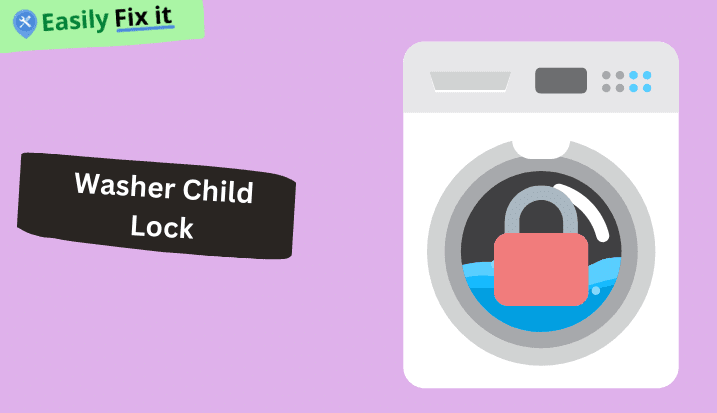
Clear Control Lock
Look for a key or lock light. Hold the button named Control Lock until that light goes out.
The lock button is not same on every model, so use the words printed on your own panel.
Check the Door or Lid
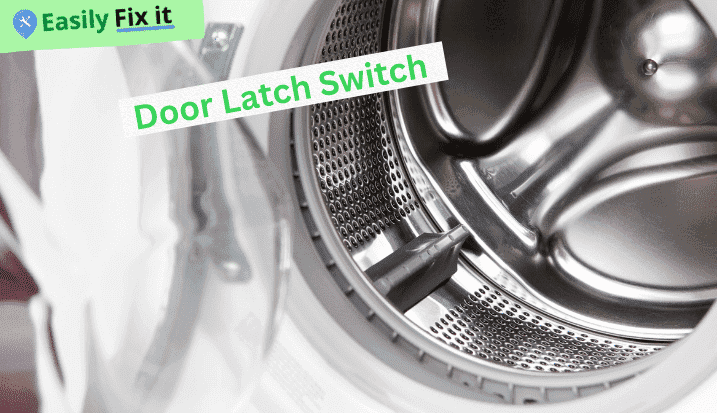
Take clothing away from the edge, wipe the latch, and close the door or lid gently. Listen for the lock after pressing Start.
A latch that does not catch may needs repair. Do not hold it down by hand or bypass the switch.
Check Power and Reset It Once
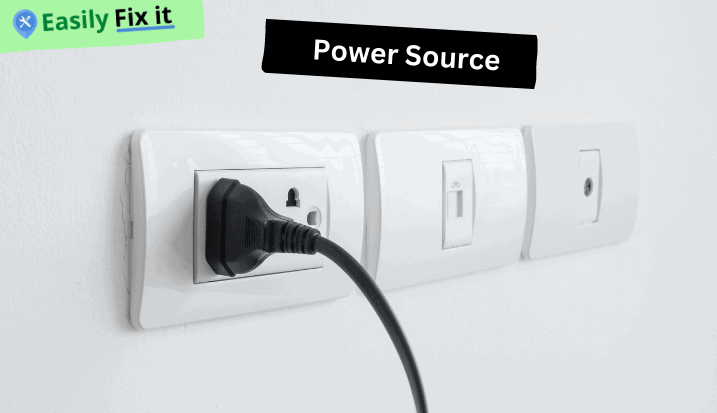
If the panel is dark, push the plug in and check the breaker. Our related guide covers a Fisher & Paykel washer that is not turning on.
For a lit panel, unplug the washer for five minutes, reconnect it, and try a new wash. If Start alone still does not respond, there is few useful checks inside the console for a homeowner, so call a technician.
Conclusion
Try these five checks before replacing a Fisher & Paykel Start button:
- Dry the control panel
- Select the wash again
- Clear Control Lock
- Check the door or lid
- Check power and reset it once
Clears the detergent sludge and limescale that clogs drain pumps and makes a washer smell. Run one before you start pulling the machine apart.
Pros:
- Targets the buildup behind drain faults.
- One tablet a month keeps it clear.
- Works in front and top loaders.
Cons:
- Heavy buildup may need two runs.
As an Amazon Associate I earn from qualifying purchases.
| ROVSUN 17.8LBS Portable Washing Machine | Check Price |
| Zyro Washing Machine Cleaner Tablet | Check Price |
| Portable Washing Machine, Mini Washer | Check Price |
Fisher & Paykel Washing Machine Still Not Working?
Start with what your washing machine is doing. Use our diagnostic tool, answer a few easy questions, and get the solution.
Use Our Fisher & Paykel Washing Machine Troubleshooting ToolWas this page helpful?
Thanks for your feedback!
Written by
Muhammad Ali is an Electrical Engineer and Appliance Repair Specialist from Canada, who has been helping people fix their appliances since 2020.