
How to Replace Filter in Shark Vacuum
Does your Shark vacuum have weak suction even after emptying the dust cup? Don't panic, the filter might be dirty or it simply needs to be replaced.
Luckily, replacing a Shark vacuum filter is usually very easy. However, the exact filter and its location can be different depends on your Shark vacuum model.
Replace the Filter in Your Shark Vacuum
To replace the filter in a Shark vacuum, first turn it off and unplug it. Remove the dust cup, take out the old filter, and install the correct replacement filter in the same position. Make sure the filter is fully dry if you washed it before putting it back.
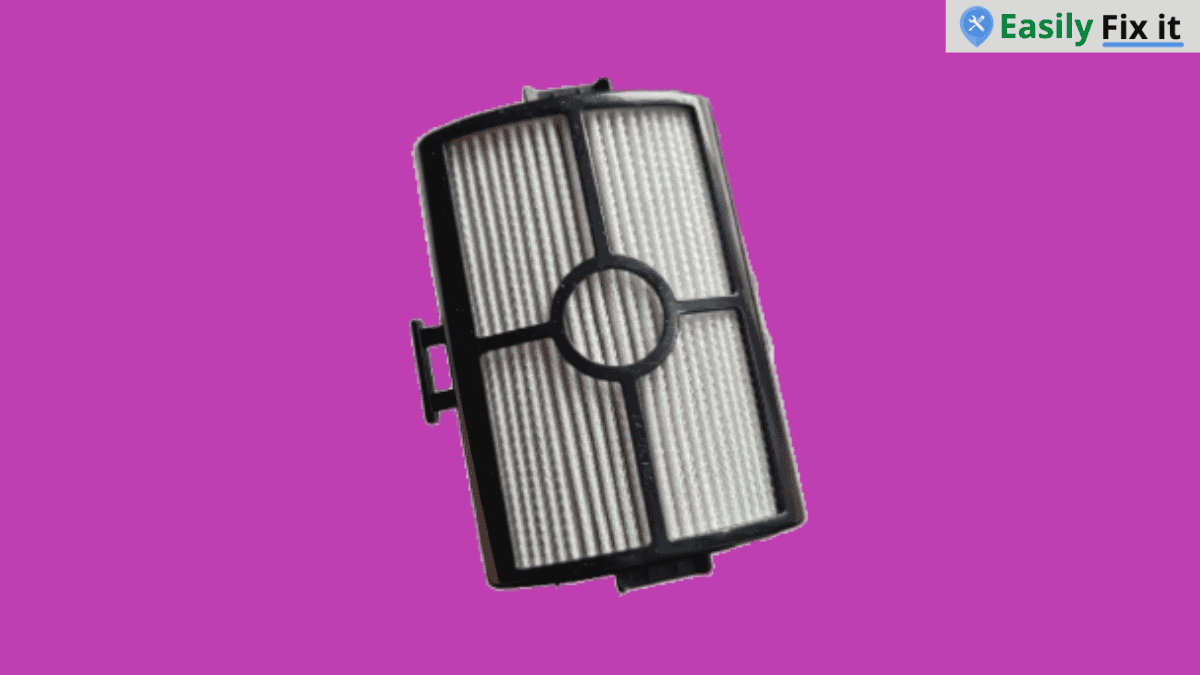
Most Shark vacuums uses a foam and felt pre-motor filter. Some models also has a post-motor or HEPA filter. So, check your exact model number before ordering a replacement.
Turn Off and Unplug the Vacuum
First, turn off your Shark vacuum and unplug it from the power outlet. If you have a cordless Shark vacuum, remove the battery if your model allows it.
Never work around the filter while the vacuum is running. It is a small job, but this will keep you safe.
Find Your Shark Vacuum Model Number
Before buying a filter, find the model number of your Shark vacuum. It is commonly printed on a label underneath the vacuum, behind the dust cup, or near the battery.
This is important because Shark filters are not all the same. A filter for an upright vacuum may not fit a cordless stick vacuum or robot vacuum.
Remove the Dust Cup and Old Filter
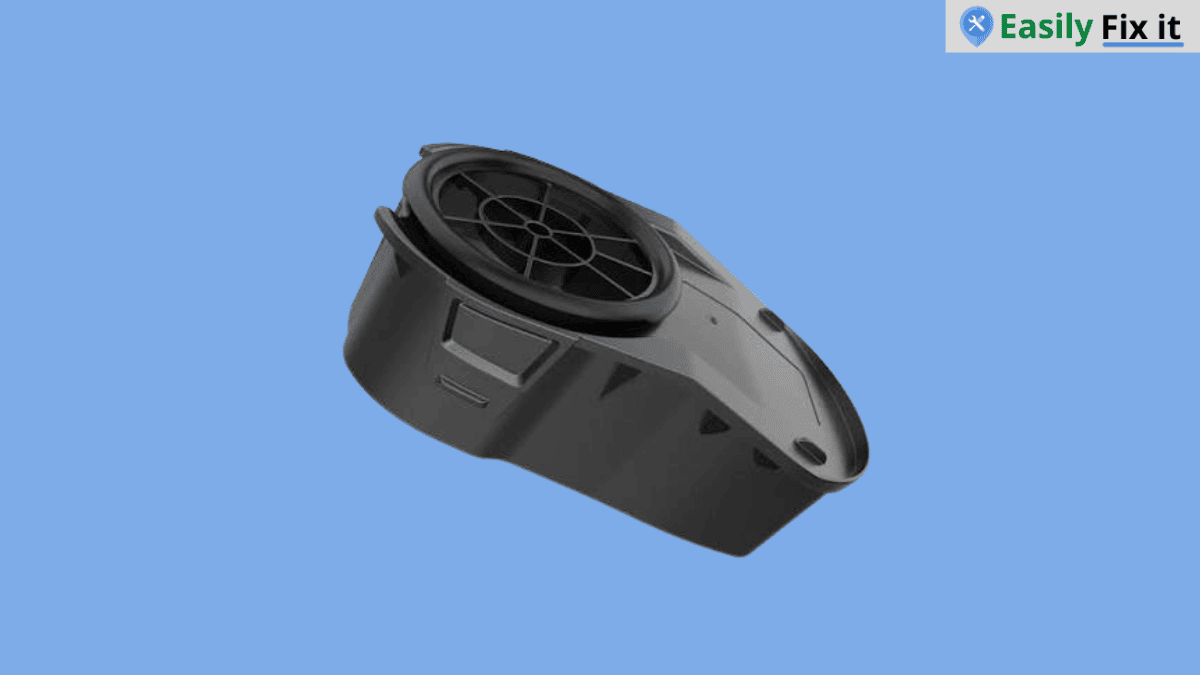
Press the dust cup release button and remove the dust cup from the vacuum. On many Shark models, the foam and felt filters are located behind or underneath the dust cup.
Pull the filter out gently. If your vacuum has both a foam filter and a felt filter, remove both and remember how they were sitting. Some models have a separate post-motor filter or HEPA filter, which can be behind a small cover on the main body.
Follow these steps to remove the dust cup and filter:
- Press the dust cup release button
- Lift the dust cup away from the vacuum
- Pull out the foam and felt filters gently
- Open the filter cover if your model has a separate HEPA filter
Check If the Filter Needs Replacing
In some cases, you do not need a new filter. Many Shark foam and felt filters are washable, so you can rinse them with water and use them again once they are completely dry.
However, replace the filter if it is torn, badly misshaped, has a bad smell that does not go away, or your vacuum still has poor suction after cleaning it. Do not use a filter that has holes in it.
Install the New Filter
Take the replacement filter out of its packaging and place it into the filter compartment. It should sit flat and fit without forcing it.
For models with foam and felt filters, put them back in the same order you removed them. Then reinstall the dust cup until it clicks into place.
Do Not Reinstall a Wet Filter
If you washed the old filter instead of replacing it, let it air dry completely before putting it back. This can take at least 24 hours.
Remember, do not use a hair dryer, clothes dryer, or dishwasher for the filter. A wet filter can reduce suction and may allow moisture to reach the electric parts of the vacuum.
Test the Vacuum
Once the dust cup and filters are back in place, turn the Shark vacuum on and test it. It should have better airflow and suction if the filter was the problem.
If suction is still weak, empty the dust cup again and check the hose, wand, floor nozzle, and brush roll for a blockage. If your cordless Shark also loses charge very quickly, see how to change its battery. Sometimes the filter is not the only thing causing the issue.
Conclusion
Replacing a Shark vacuum filter is not difficult and it can helps restore the suction power. Just make sure you buy the correct filter for your model and never put a wet filter back in the vacuum.
- Unplug the vacuum before removing the filter
- Check the model number before ordering a replacement
- Replace damaged or worn filters
- Let washable filters dry for at least 24 hours
- Check for clogs if the suction is still weak
Need More Help With Your Shark Vacuum?
Don't panic. Use our Shark vacuum troubleshooting tool to select the problem you are having. Answer a few easy questions and get the solution.
Use Our Shark Vacuum TroubleshooterWas this page helpful?
Thanks for your feedback!
Written by
Muhammad Ali is an Electrical Engineer and Appliance Repair Specialist from Canada, who has been helping people fix their appliances since 2020.