
How to Change Brush Roller in Shark Vacuum
Is the brush roller on your Shark vacuum damaged, noisy, or not picking up dirt properly? Don't panic, changing the brush roller is usually an easy job once you have the correct replacement part.
However, Shark vacuum brush roll covers are not all the same. Some models use locks, while others use tabs or a removable bottom plate. This can also help with a Shark robot vacuum brush roll, but the cover and exact steps can be different. Here we will cover the general method that works for many models.
Shark Robot Vacuum Brush Roll Replacement
To change a Shark vacuum brush roller, turn off and unplug the vacuum, open the brush roll cover underneath the floor nozzle, remove the old roller, and fit the correct new one. Make sure the cover and locks are fully closed before using the vacuum again.
Before ordering a brush roller, check the model number on your Shark vacuum. The roller needs to match your exact floor nozzle, otherwise it may not fit correctly.
Turn Off and Unplug the Vacuum
First, turn off the Shark vacuum and unplug it from the power outlet. If you have a cordless model, remove the battery if your model allows it.
Do not work on the brush roller while power is connected. The roller can move suddenly if the vacuum turns on by mistake.
Open the Brush Roll Cover
Lay the floor nozzle flat so you can see the bottom. Look for the brush roll cover, release tabs, or small locks around the roller.
Some Shark vacuums uses locks that can be turned with a coin. Other models have tabs that you press to lift the cover. Do not force the cover because the plastic tabs can breaks.
Remove the Old Brush Roller
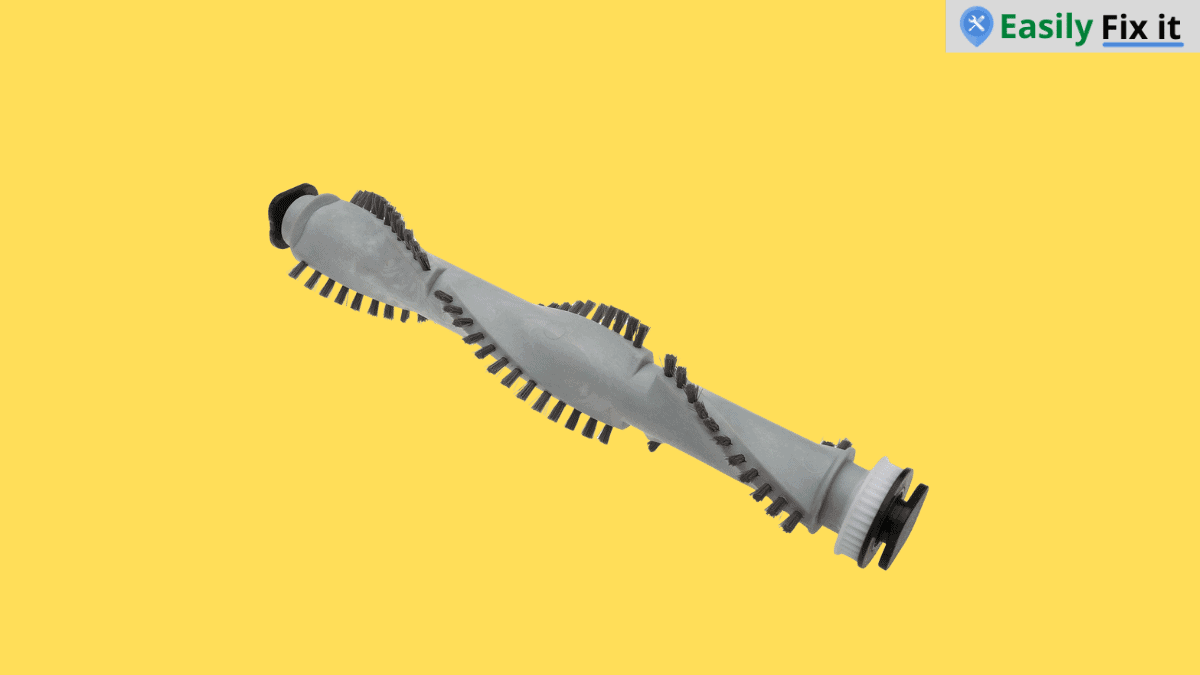
Once the cover is open, lift the old brush roller out slowly. Remove any hair, threads, or debris from the roller area before fitting the new part.
To remove the old brush roller, do the following:
- Open the brush roll cover or release the locks
- Lift one end of the old roller out first
- Slide the other end away from its slot
- Clean hair and debris from the roller compartment
Install the New Brush Roller
Place the new brush roller into the same position as the old one. Insert the end that has the drive connection or belt side first if your model has one.
Then lower the other end into place and turn the roller gently by hand. It should move freely and sit properly in both slots.
Change the Brush Roll on a Shark Robot Vacuum
For a Shark robot vacuum, turn the robot off first and check the underside for the brush roll door. Some Shark IQ, ION, AI, and Matrix robot models have a door with tabs that you press to lift it away before taking out the roller.
Put the new brush roll in the same direction as the old one, then close the door until both sides click. Do not force the cover or use a brush roll from a different Shark robot model, because the parts can look same but not fit.
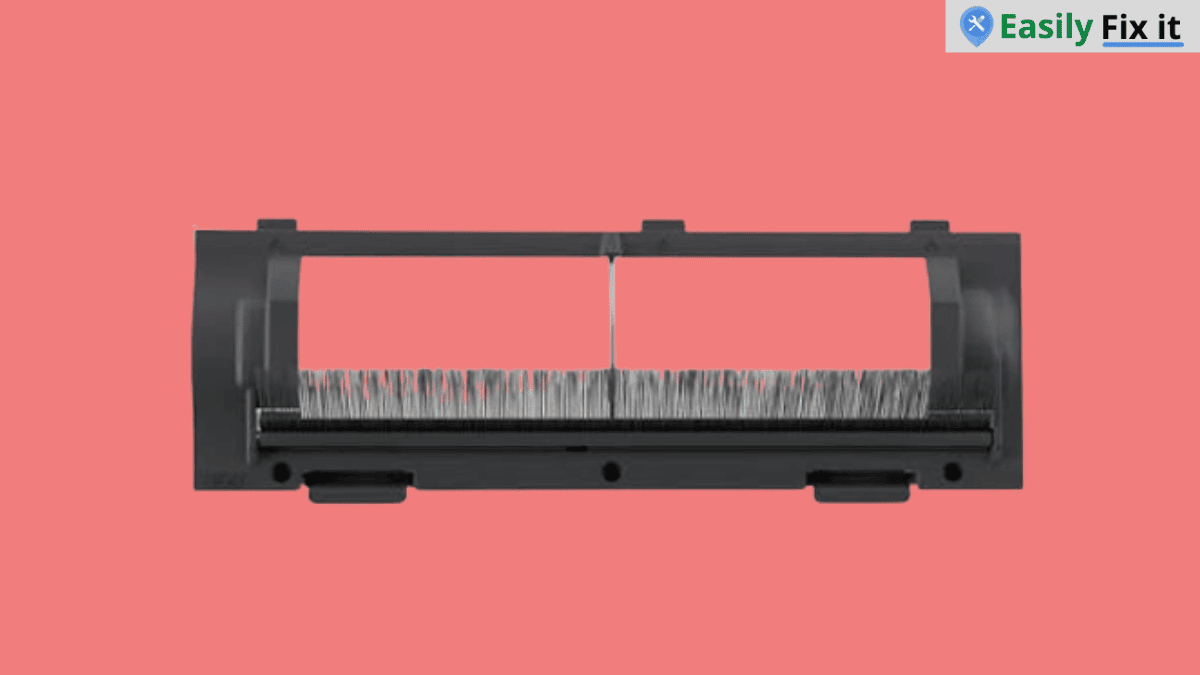
If your Shark robot brush roll cover does not match this, use the owner guide for your exact model. The basic idea is same, but the tabs and roller shape can be different.
Close the Cover and Test It
Put the brush roll cover back and close every lock or tab. If the cover does not sit flat, remove it and check that the roller is fitted the right way.
Now plug the vacuum in and test it for a few minutes. The brush roll should spin without making loud noises or rubbing against the cover.
Check for Other Suction Problems
If the new brush roller is working but your Shark vacuum still has weak suction, inspect the dust cup and filter. A blocked filter can also makes the vacuum pick up less dirt.
You can use our Shark vacuum filter replacement guide if the filter needs to be cleaned or changed.
Conclusion
Changing a Shark vacuum brush roller can help it pick up dirt better again. Just make sure that the replacement roller matches your exact model and the cover is locked before using it.
- Unplug the vacuum before opening the floor nozzle
- Check the model number before buying a brush roller
- Clean hair and debris from the roller compartment
- Fit the new roller in the correct direction
- Close all locks and test the roller before cleaning
Need More Help With Your Shark Vacuum?
Don't panic. Use our Shark vacuum troubleshooting tool to select the problem you are having. Answer a few easy questions and get the solution.
Use Our Shark Vacuum TroubleshooterWas this page helpful?
Thanks for your feedback!
Written by
Muhammad Ali is an Electrical Engineer and Appliance Repair Specialist from Canada, who has been helping people fix their appliances since 2020.