
Shark Vacuum Dust Cup Error? Try these FIXES!
Is your Shark vacuum showing a dust cup error or refusing to work after you emptied the bin? Don't worry, in most cases the dust cup is not sitting correctly or dirt is stopping it from locking in place.
Luckily, you can normally fix this issue without replacing any parts. Here we will cover the simple things that causes a Shark dust cup error and how to fix them.
Check the Shark Vacuum Dust Cup Connection
A Shark vacuum dust cup error is commonly caused by a dust cup that is not fully clicked into position, a dirty latch area, or debris around the filter and dust cup connection. Remove the cup, clean the contact area, and install it again firmly.
The exact dust cup design can be different depending on your Shark model. Some locking tabs may looks a little different. So, do not force any button or cover if it does not move easily.
Remove and Reinstall the Dust Cup
First, turn off the vacuum and unplug it from the power outlet. Then press the dust cup release button and remove the cup carefully.
Before putting it back, check that the cup is empty and there is no debris around the locking tabs. Follow these steps to install the dust cup again:
- Hold the dust cup close to its original position
- Align the lower tabs with the slots on the vacuum
- Push the dust cup in slowly until it clicks
- Gently pull the cup to make sure it is locked
Now turn on the Shark vacuum and see if the error is gone. If the dust cup is loose, remove it and try once more.
Clean the Dust Cup Latch Area
A small amount of dust can stop the cup from closing properly. Inspect the place where the dust cup connects to the vacuum and remove any lint, hair, or fine dust with a dry cloth or a soft brush.
Also check the dust cup door and its latch. If the door is not closed fully, the vacuum may think that the dust cup are not installed correctly.
Check the Filter and Dust Cup
Remove the filter and look for dirt packed around it. A clogged filter or too much dust inside the cup can cause poor airflow and may keep the dust cup from fitting correctly.
If the filter is dirty, clean or replace it before testing the vacuum again. You can also follow our guide to replace a Shark vacuum filter if the filter is damaged.
Reset the Vacuum
If the dust cup looks fine but the error is still showing, reset the vacuum. Turn it off, unplug it, and wait for about five minutes before plugging it back in.
Then install the dust cup again and start the vacuum. This may clear a temporary error that comes after the cup has been removed.
Inspect the Dust Cup for Damage
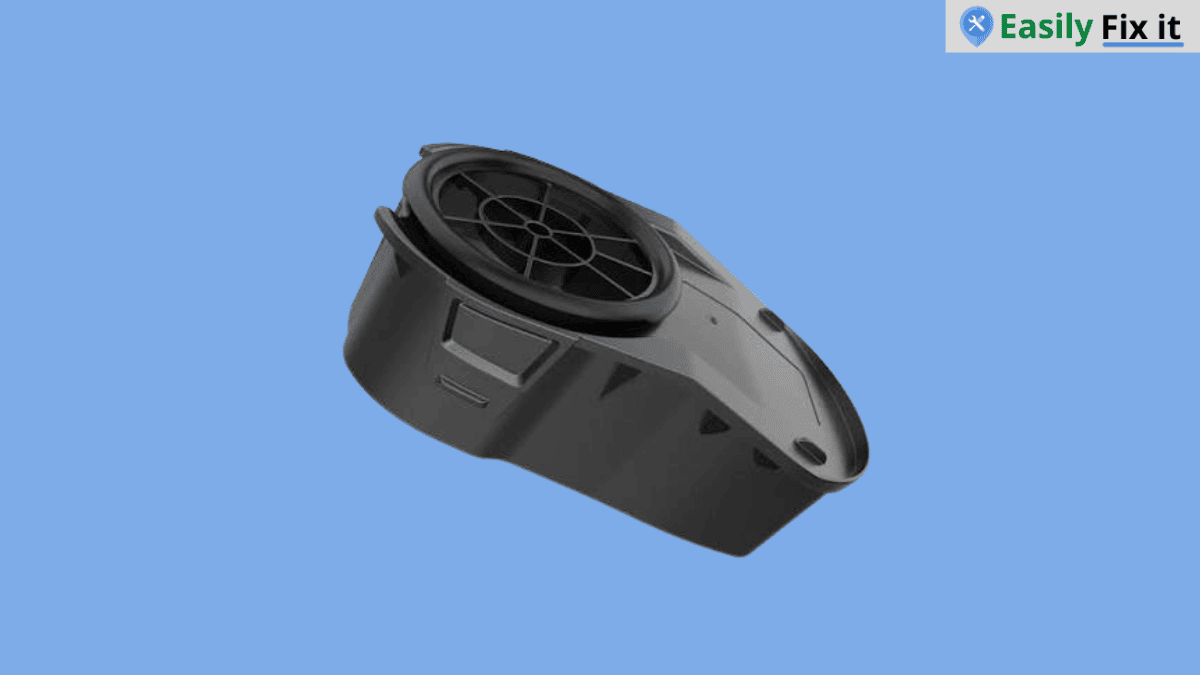
Lastly, inspect the dust cup, locking tabs, and cover for cracks or broken pieces. If a tab is damaged, the cup may not click into place even if it looks normal from the outside.
In that case, use the model number of your Shark vacuum to find the correct replacement dust cup. If your vacuum is under warranty, contact Shark before buying a part.
Conclusion
A Shark vacuum dust cup error is usually a simple fitting or cleaning issue. Empty the cup, clean around the latch and filter, then reinstall it until it clicks properly.
- Remove and reinstall the dust cup
- Clean the latch and connection area
- Check the filter and remove packed dust
- Reset the vacuum for a few minutes
- Replace a damaged dust cup or locking tab
Need More Help With Your Shark Vacuum?
Don't panic. Use our Shark vacuum troubleshooting tool to select the problem you are having. Answer a few easy questions and get the solution.
Use Our Shark Vacuum TroubleshooterWas this page helpful?
Thanks for your feedback!
Written by
Muhammad Ali is an Electrical Engineer and Appliance Repair Specialist from Canada, who has been helping people fix their appliances since 2020.