
How to Change the Battery in a Shark Cordless Vacuum
Does your Shark cordless vacuum run for only a few minutes, stop suddenly, or not hold a charge anymore? Don't panic, the battery may be worn out, but first make sure the charger and battery connection are working properly.
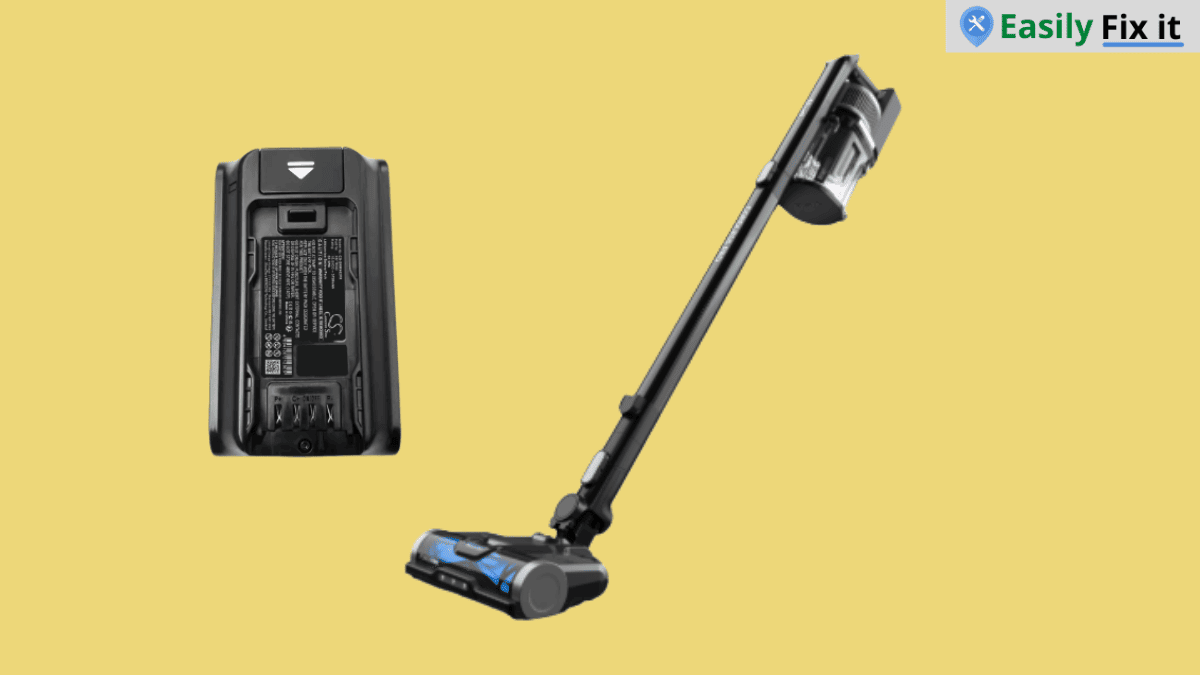
Luckily, many Shark cordless vacuums have a removable battery. However, the release button and battery shape can be different depending on your exact model. Here we will cover the safe general way to change it.
Replace the Battery in Your Shark Cordless Vacuum
To change the battery in a Shark cordless vacuum, turn the vacuum off, press the battery release button, slide the old battery out, then fit the correct replacement battery until it clicks into place. Only do this if your model has a removable battery.
Do not use a battery that only looks similar. Check the model number on the vacuum and the battery label before ordering a replacement, because Shark cordless batteries are not all the same.
Check the Model Number and Battery Type
Look for the model number on the handheld part of the vacuum, near the battery, or on the bottom label. You may see a model family such as IZ, IX, or another Shark cordless series.
Match the replacement battery to that exact model. A battery can have the same size but different contacts, voltage, or locking shape, so it may not work safely in another vacuum.
Turn Off the Vacuum and Remove the Charger
Turn the Shark cordless vacuum off before touching the battery. If the charger is connected, unplug it from the vacuum and wall outlet first.
Put the vacuum on a flat surface. Do not change the battery while the vacuum is running or while the battery is charging.
Press the Battery Release Button
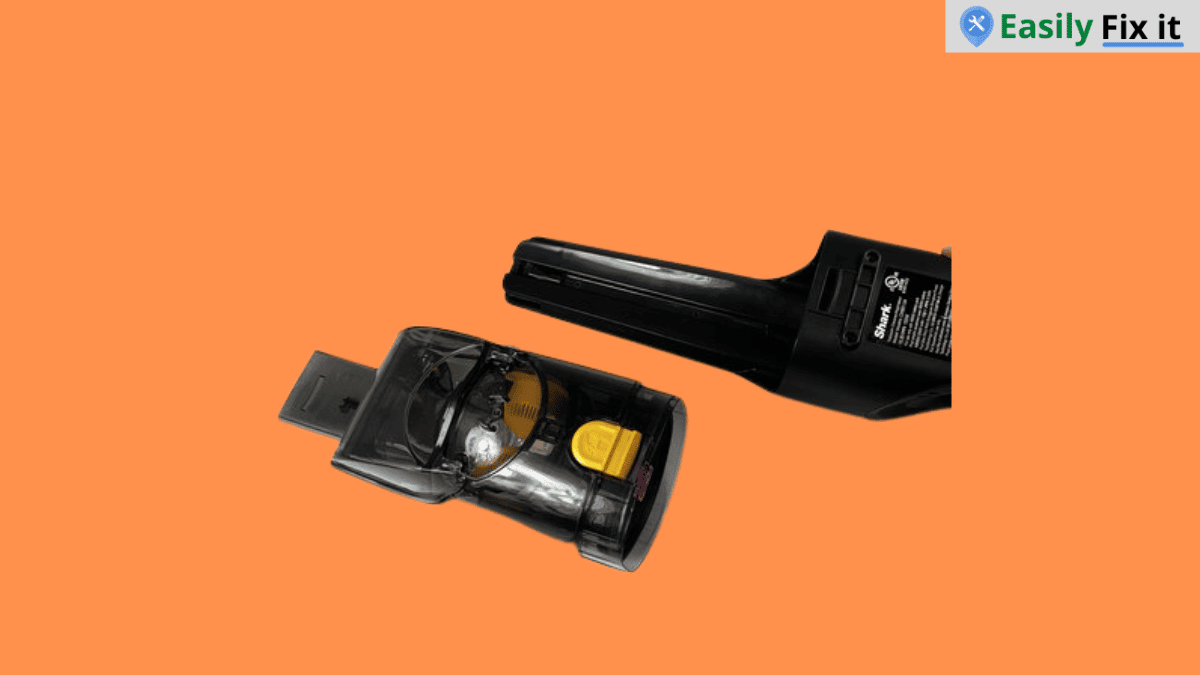
Find the battery release button or latch near the battery pack. On many Shark cordless vacuums, you press the release and slide the battery straight out from the handheld unit.
Use this order to remove it:
- Turn off the vacuum and disconnect the charger
- Hold the handheld unit firmly
- Press the battery release button or latch
- Slide the battery out gently without pulling on the wires
- Set the old battery aside for proper recycling
Install the Correct Replacement Battery
Line up the replacement battery with the battery slot. Slide it in slowly until it sits flat and clicks into place. Do not force it if it will not go in, because the battery may not be the correct one.
Check that the battery is locked before you pick up or turn on the vacuum. A loose battery can make the vacuum stop during cleaning or lose power when you move it.
Charge and Test the Vacuum
Charge the new battery with the charger supplied for your Shark model. Let it charge fully before the first test, then run the vacuum for a few minutes and make sure it does not cut out.
If the vacuum still has weak suction after the new battery is charged, the problem might be the filter, brush roll, or a blockage instead. You can also check our Shark vacuum filter replacement guide or see how to change the Shark brush roller before buying more parts.
Do Not Open a Non-Removable Battery
Some Shark cordless vacuums do not have a user-removable battery. If you cannot find a release button and the battery is behind screws or inside the handheld unit, do not force it open.
Check the owner guide for your exact model or contact Shark while the vacuum is under warranty. A damaged lithium-ion battery should not be opened, crushed, thrown in household trash, or put near heat.
Conclusion
Changing a removable Shark cordless vacuum battery is normally a small job. Just make sure you get the correct replacement and lock it in fully before using the vacuum again.
- Check the Shark model number before ordering a battery
- Turn off the vacuum and disconnect the charger first
- Use the release button, not force
- Only install a matching replacement battery
- Recycle the old lithium-ion battery properly
Need More Help With Your Shark Vacuum?
Don't panic. Use our Shark vacuum troubleshooting tool to select the problem you are having. Answer a few easy questions and get the solution.
Use Our Shark Vacuum TroubleshooterWas this page helpful?
Thanks for your feedback!
Written by
Muhammad Ali is an Electrical Engineer and Appliance Repair Specialist from Canada, who has been helping people fix their appliances since 2020.